
Cursor supercharges coding with AI that predicts and tabs through edits seamlessly. Unlock codebase insights in a click build software faster and smarter.
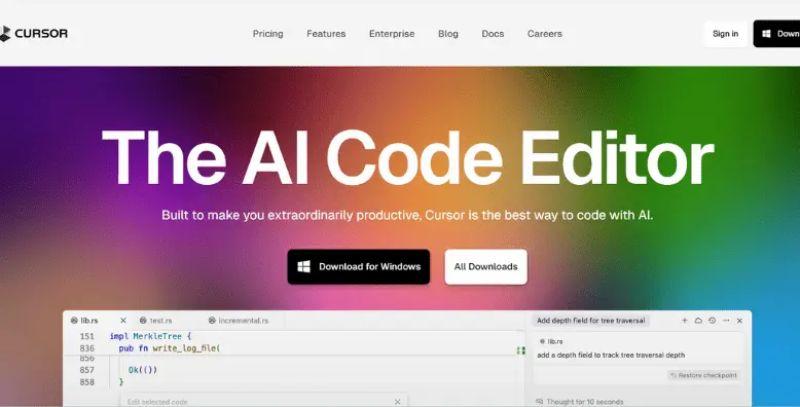
Cursor is this clever AI code editor that amps up your coding game without overcomplicating things.
Tab Your Way Through Edits
Hit tab, and Cursor predicts what you'll type next, letting you zip through code changes. It's handy for quick tweaks, though sometimes those guesses miss the mark if your style's super unique. Still, it learns fast.
Dive into Your Codebase
Cursor digs into your files and docs to answer questions or snag code snippets with one click. No more endless searching. It pulls relevant bits right when you need them.
Chat to Code
Just describe updates in plain words, and Cursor handles rewriting entire classes or functions. It's a time-saver for big refactors, keeping things straightforward. Sometimes the results need a quick manual polish if the prompt's too vague, but that's minor.
Privacy Built In
Switch on Privacy Mode, and your code never hits remote servers without your okay. Plus, it's SOC 2 certified for that extra peace of mind. Overall, Cursor stands out for blending smarts with speed, even if adapting takes a short while. It feels familiar from the start, importing your extensions and themes in one click, though power users might notice a slight lag on massive codebases. Engineers worldwide pick it for that edge in productivity.