Discover Pixlr, the free browser-based editor with AI magic like text to image generation and one click background removal, sparking endless creativity for beginners and pros alike.
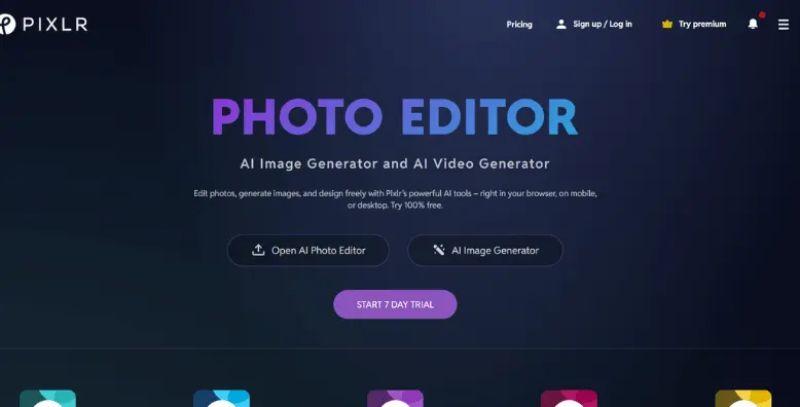
Pixlr stands out as a handy online tool for tweaking photos and whipping up AI generated art, all without needing hefty software downloads.
Why Pixlr Feels Fresh
It packs in cool AI tricks like turning text into images or swapping faces seamlessly, which sparks fun ideas for quick edits. You can remove backgrounds with one click or expand pics without losing the vibe, making it a go to for casual creators.
The Everyday Wins
Pixlr's free version covers basics like cropping, filters, and collages, plus it's got a clean interface that doesn't overwhelm newbies. Folks rave about it as a solid Photoshop swap, especially for social media graphics or product shots. I like how it runs smooth on browsers, mobiles, or desktops, keeping things flexible.
A Few Trade-Offs
Sure, ads pop up in the free tier, which can nudge you toward premium for ad free vibes and extra AI tools, but that's fair for the value. Overall, Pixlr keeps evolving with generative fills and noise removal, though it might not match Photoshop's depth for pros chasing ultra fine control.
Give Pixlr a spin. It's free to start and surprisingly addictive for everyday edits.